
Virtual Link
Control your factory air suspension.
Virtual Link lets you adjust ride height from your phone and save settings you can use again. It connects to the car’s existing suspension electronics, so you keep the factory air suspension hardware.
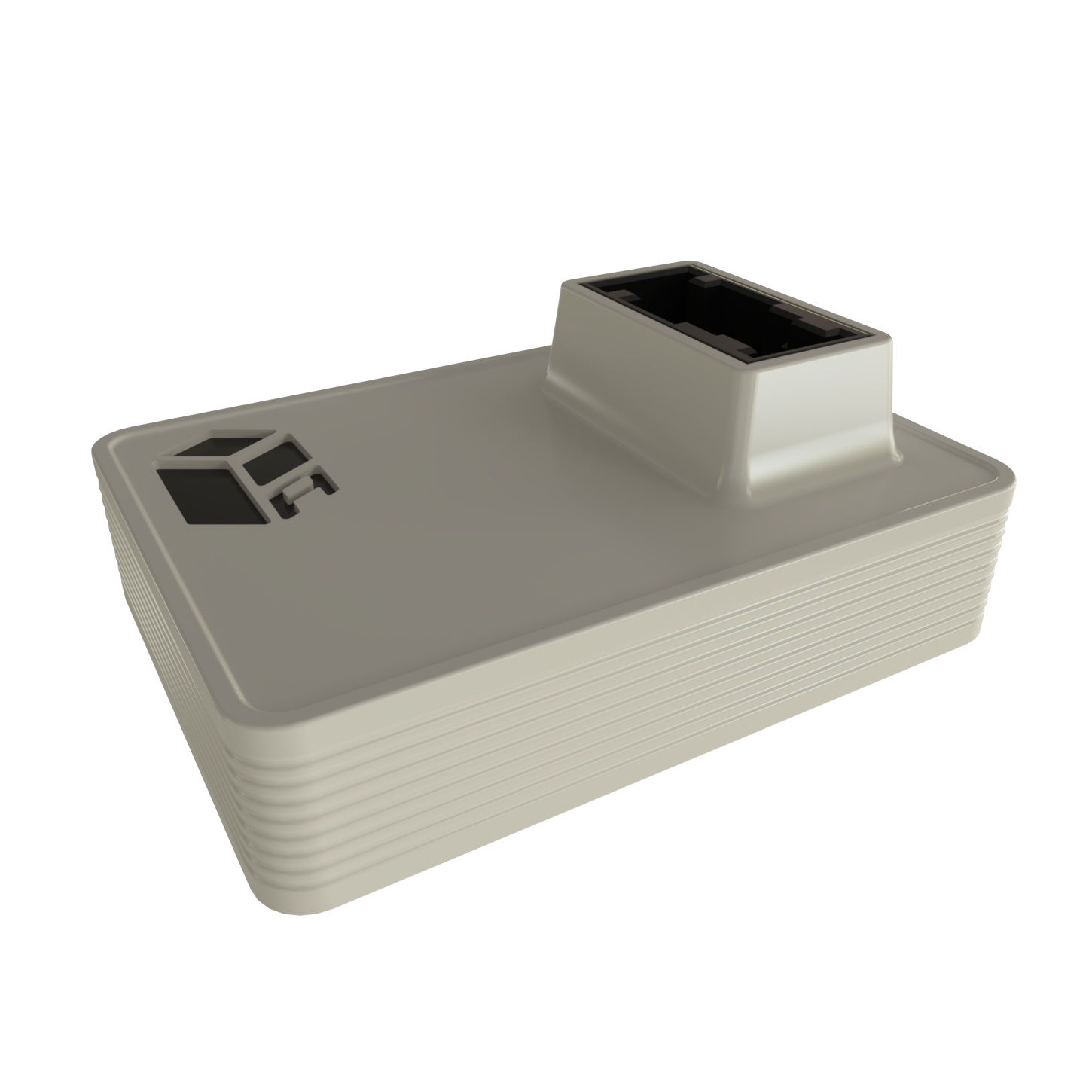
Hardware
A controller matched to your vehicle.
Virtual Link connects inline with the factory suspension electronics. A1 and B1 fit different vehicle platforms, so check your fitment before you order.
- Factory air-suspension integration
- Reversible inline installation
- Saved profiles and live adjustment
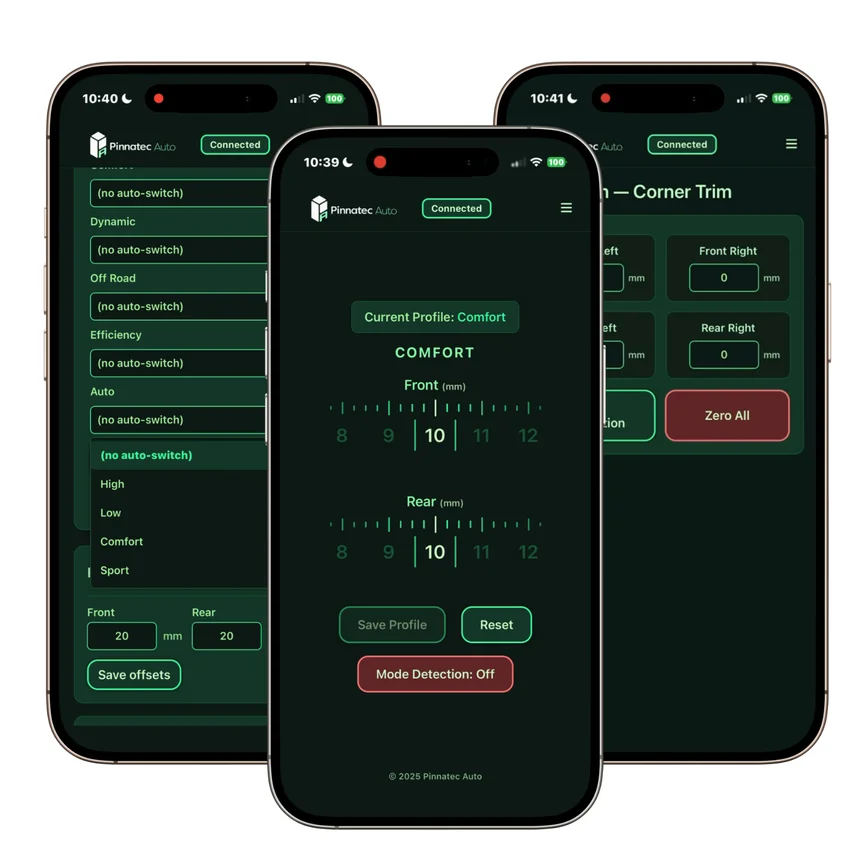
In the app
Save front and rear heights.
Create profiles for the heights you use most and adjust the front and rear live. Your app guide covers calibration for your configuration.
- Choose a saved profile
- Make live front and rear adjustments
- Switch profiles from your phone
How it works
From fitment to your first profile.
01
Match your vehicle
Use the finder to identify the right Virtual Link configuration.
02
Connect inline
Follow the installation guide for your vehicle platform.
03
Set your height
Complete setup and save your preferred height profiles.
Owner clips
Virtual Link on the car.

Compatibility
Find the configuration for your car.
Quick answers
Owning Virtual Link.
How do I control Virtual Link?
From your phone, over Wi-Fi, using the Virtual Link web app. Once your profiles are set up, it keeps working with the phone disconnected.
How far can it adjust?
Up to 200 mm above or below stock, or as far as your car’s suspension system accepts.
Does it work with Audi drive modes?
Yes. Link your saved heights to the factory Audi drive modes, and each mode calls up the height you chose.
How are updates installed?
Through the app. Files and instructions are on Software & Updates.
Owner resources
Installation, updates, and support.
Installation guides
Vehicle-specific instructions and app setup.
Software & updates
Published downloads and release information.
Contact support
Help with fitment, setup, and ownership.